A student planner that fits how your course runs.
A fixed weekly timetable and homework set by teachers is one problem. Semesters, lectures, seminars and an attendance requirement is a different one. School Planner handles both, because it's the same planner with the parts you don't need left switched off.
Free to start on the web, iPhone and Android.
Two different jobs
Most planners are built for one of these and awkward at the other.
At school
The timetable barely changes, so you build it once. What moves is the homework: set on Monday, due Thursday, five subjects at once. The planner's job is making sure nothing set in a lesson disappears before you get home.
- Weekly and fortnightly timetables, odd and even weeks
- Homework with due dates, reminders and a starred shortlist
- Exams, with the lessons leading up to them in the same view
At university
The shape changes every semester, contact hours are split across formats, and deadlines arrive from several modules at once — sometimes with an attendance rule attached that carries real consequences.
- Lectures, seminars, labs and practicals as distinct types
- Semesters that start clean without losing the last one
- Attendance limits per module, with excused absences handled
When attendance counts for something
Set the limit you're actually held to, and track against it.
Plenty of courses allow a fixed number of absences before it affects your standing. You can set that limit for each subject — or one limit for everything — with separate counts for absences and late arrivals, and choose whether excused absences count towards it. Which is the part that matters: the number in your head is rarely the number the department is using.
On a tablet
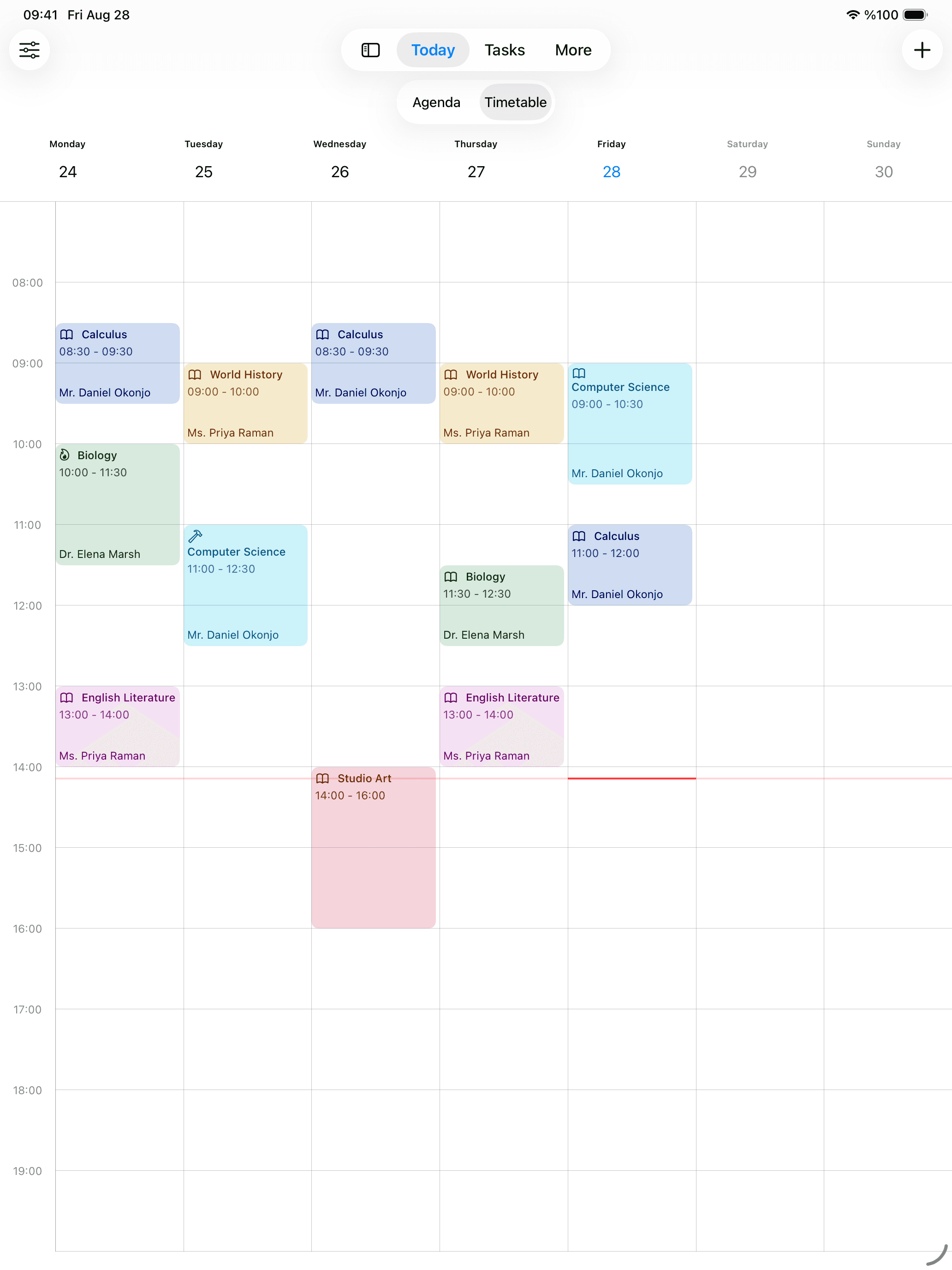
A whole week, on the screen most coursework gets done on
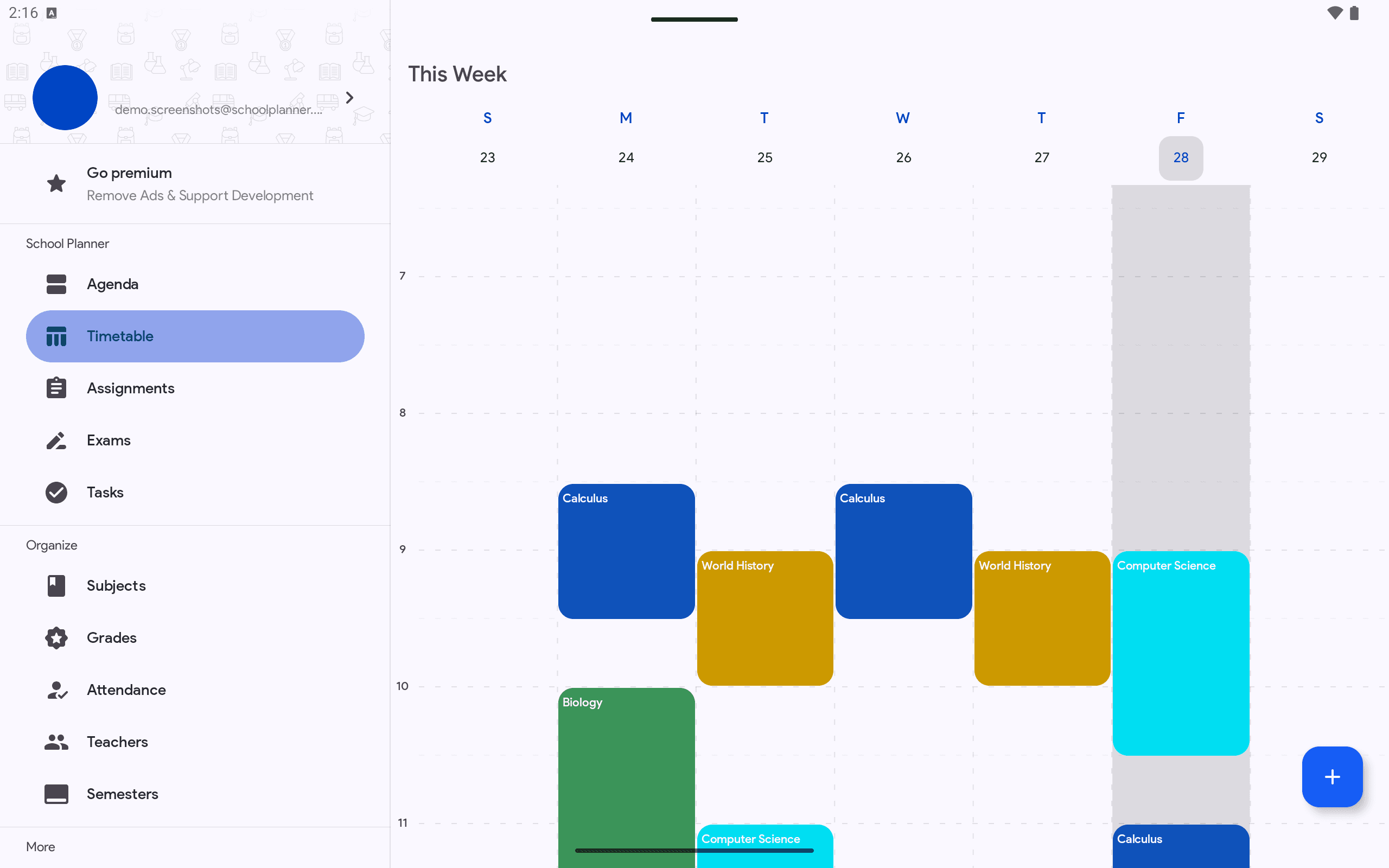
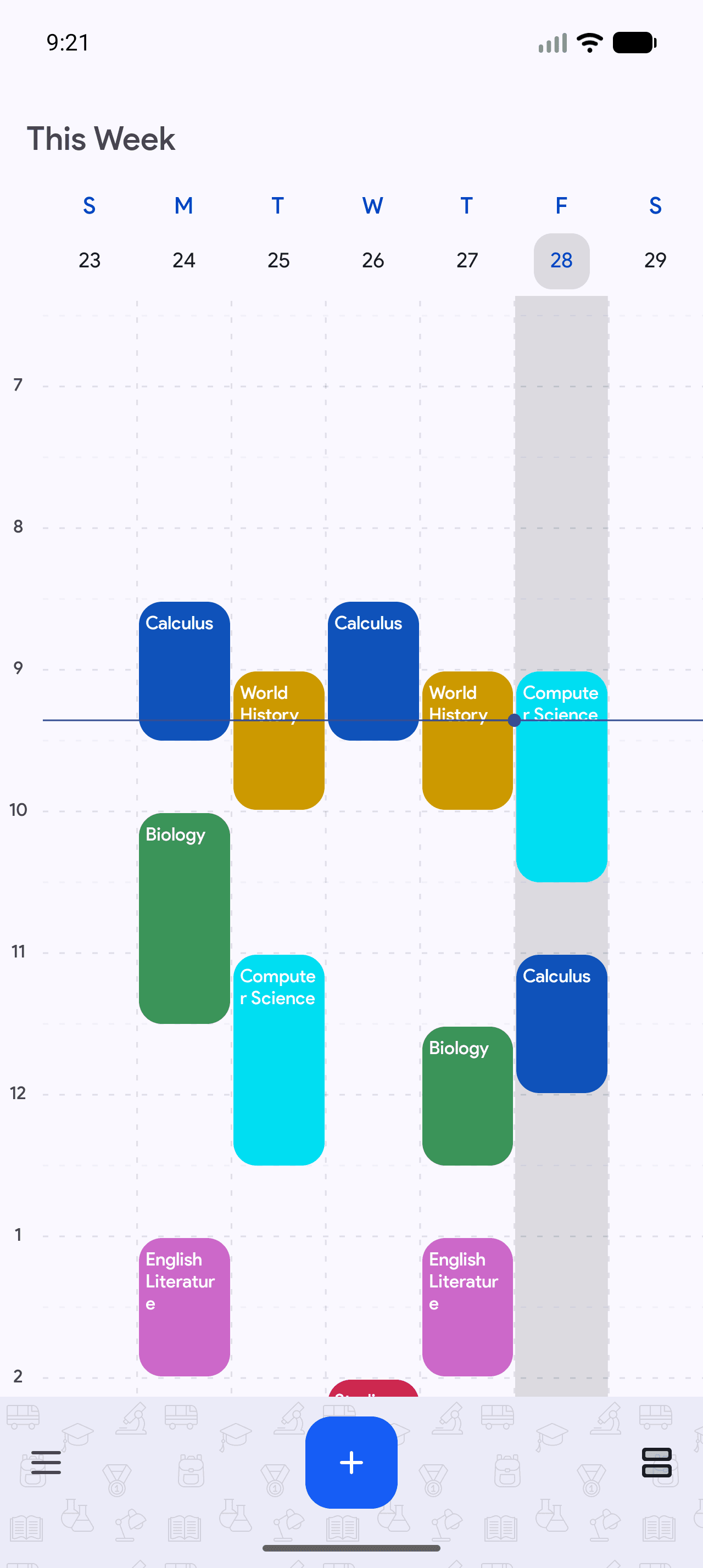
On an iPad or an Android tablet the timetable opens as a full week beside a permanent sidebar, so the shape of the term is visible without tapping between days. It is the same account as the phone and the browser — nothing to set up twice.
Grades in your system, not an American one
Fifteen grading systems, because school doesn't use the same one everywhere.
A to F, 0–100, 0–20, 0–10, 1–5, 1–6 and 6–1 among others — so you record the grade you were actually given instead of converting it first and losing the meaning. Grades attach to a subject and a type — exam, assignment, project, quiz or classwork — and can be weighted when some count for more than others.
School, laptop, phone
Wherever you do the work, the planner is already there.
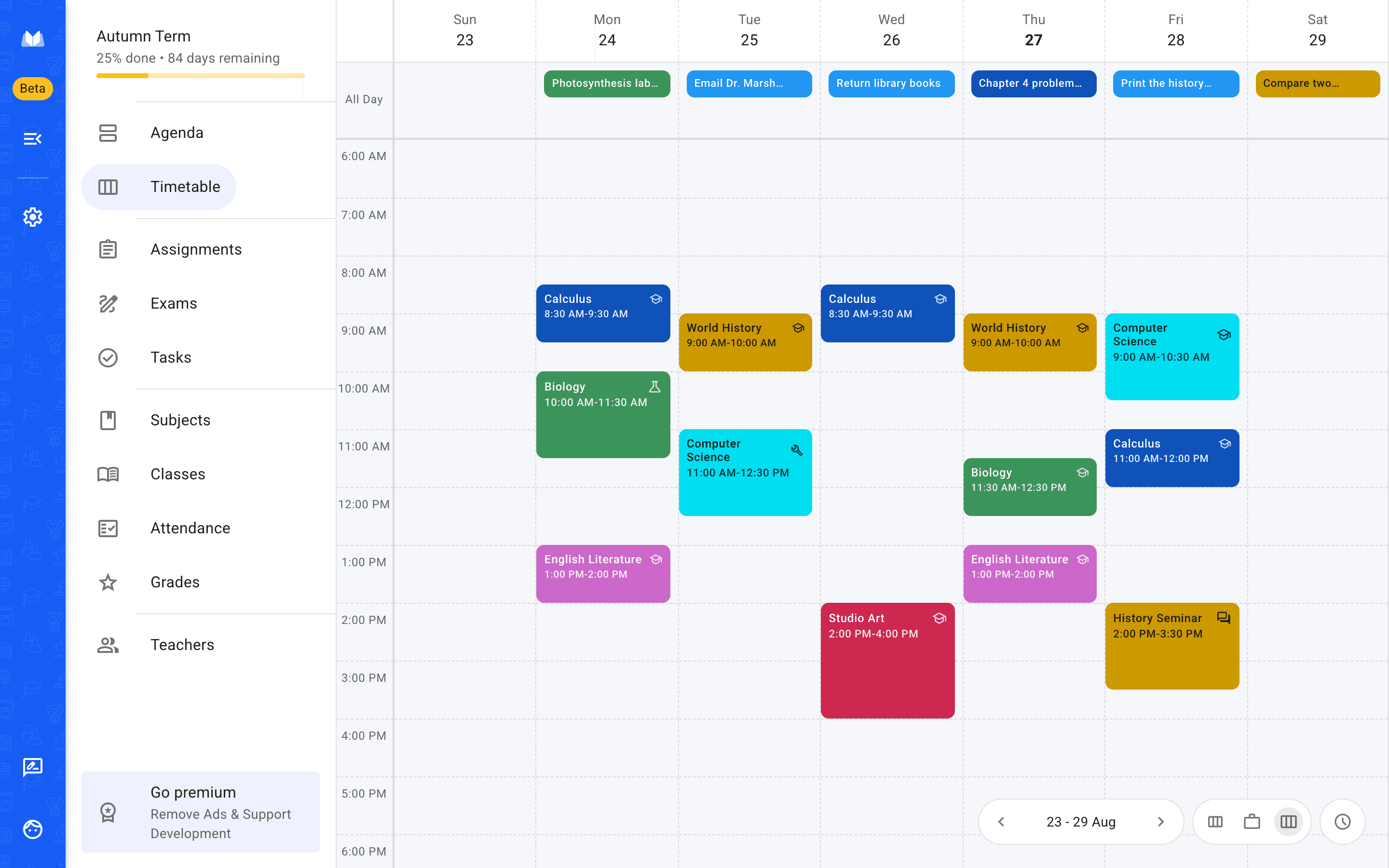
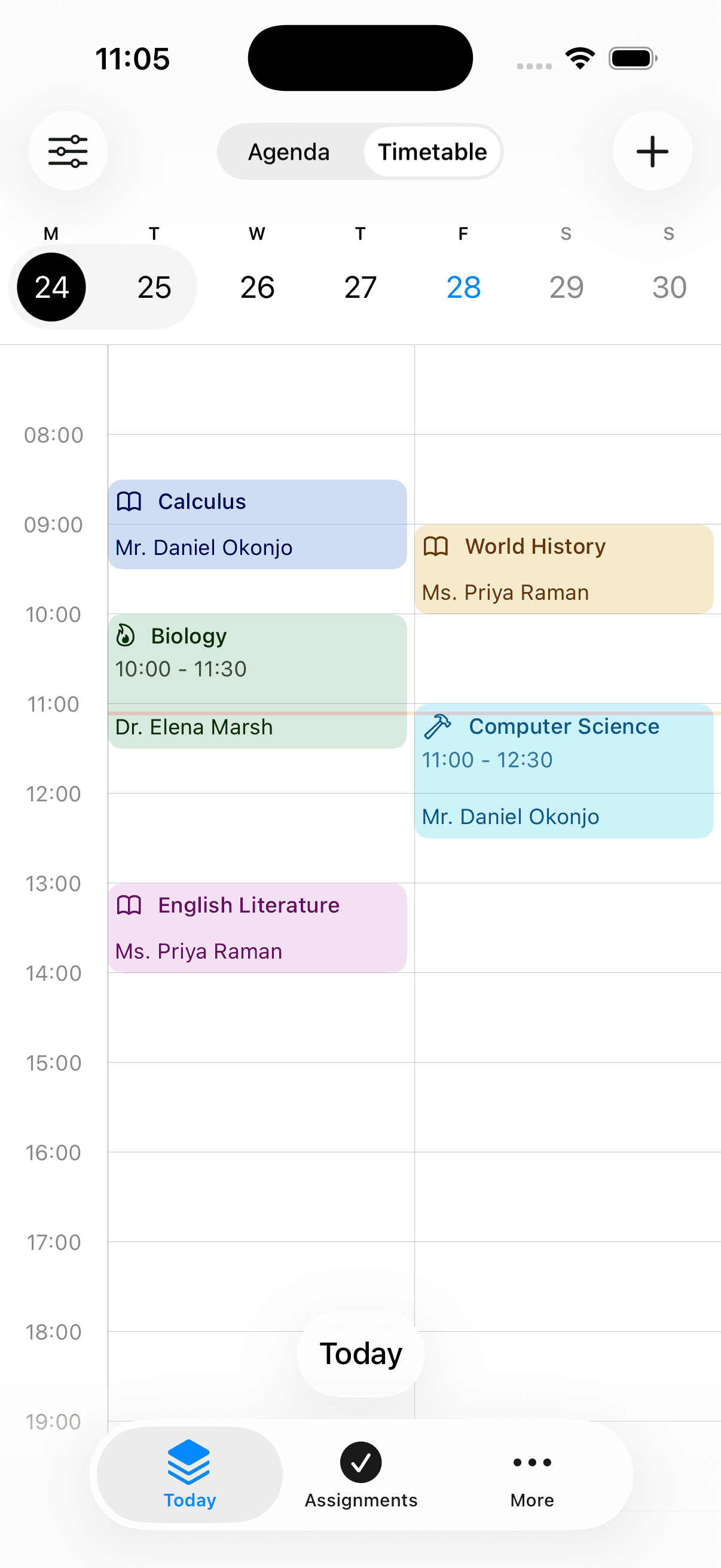
One account across iPhone, Android and the browser. Look up a room on your phone between lectures, plan the week properly on a laptop, and never rebuild anything to move between them.
Web — any browser, nothing to install
iPhone
Android
- installs on Google Play
- 500,000+
- from 2,370 Play reviews
- 4.3 ★
- languages
- 25
- on web, iPhone and Android
- Free to start
Frequently asked questions
What students ask before they switch planner.
Also worth reading
Set up this term in about ten minutes.
Add your classes, then the deadlines you already know about. The rest fills in as the term goes.