Homework you can still see two weeks after it was set.
Homework isn't usually forgotten on the day it's due. It's forgotten in the fortnight in between. School Planner keeps every piece attached to its subject and its deadline, with reminders you choose and overdue work that stays where you'll see it.
Free to start on the web, iPhone and Android.
Where homework actually goes wrong
Four stages, and a planner has to handle all of them.
- Stage 1
It gets set
Add it with the subject, the due date and the brief — paste in the whole thing if that's easier than paraphrasing it at eleven at night. It belongs to the subject that set it, so it shows up next to that subject's other work rather than in one undifferentiated list.
- Stage 2
It sits there for two weeks
This is where homework is lost. Set a reminder for a date you choose rather than the deadline itself, and star the pieces that actually carry weight so they stay at the top of your attention instead of level with a worksheet.
- Stage 3
It becomes due
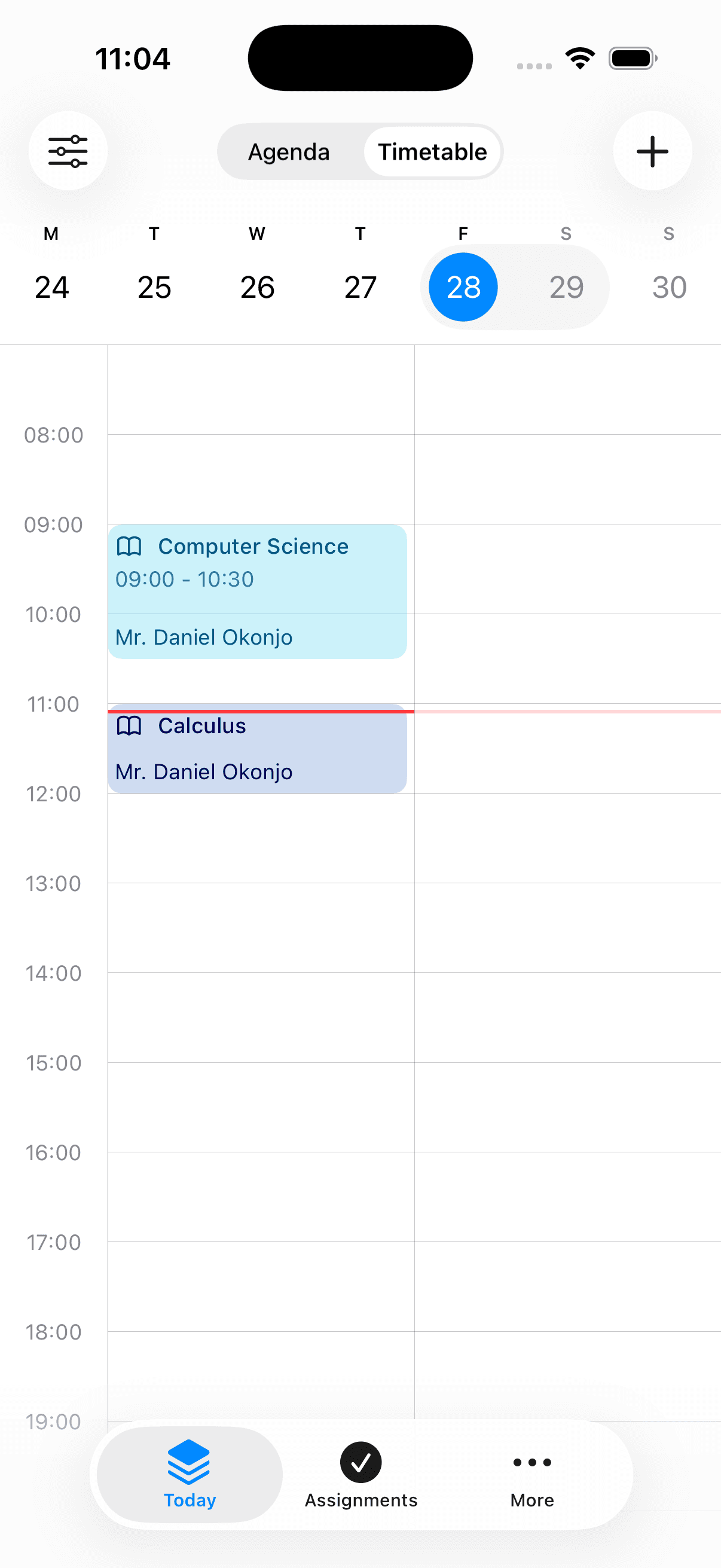
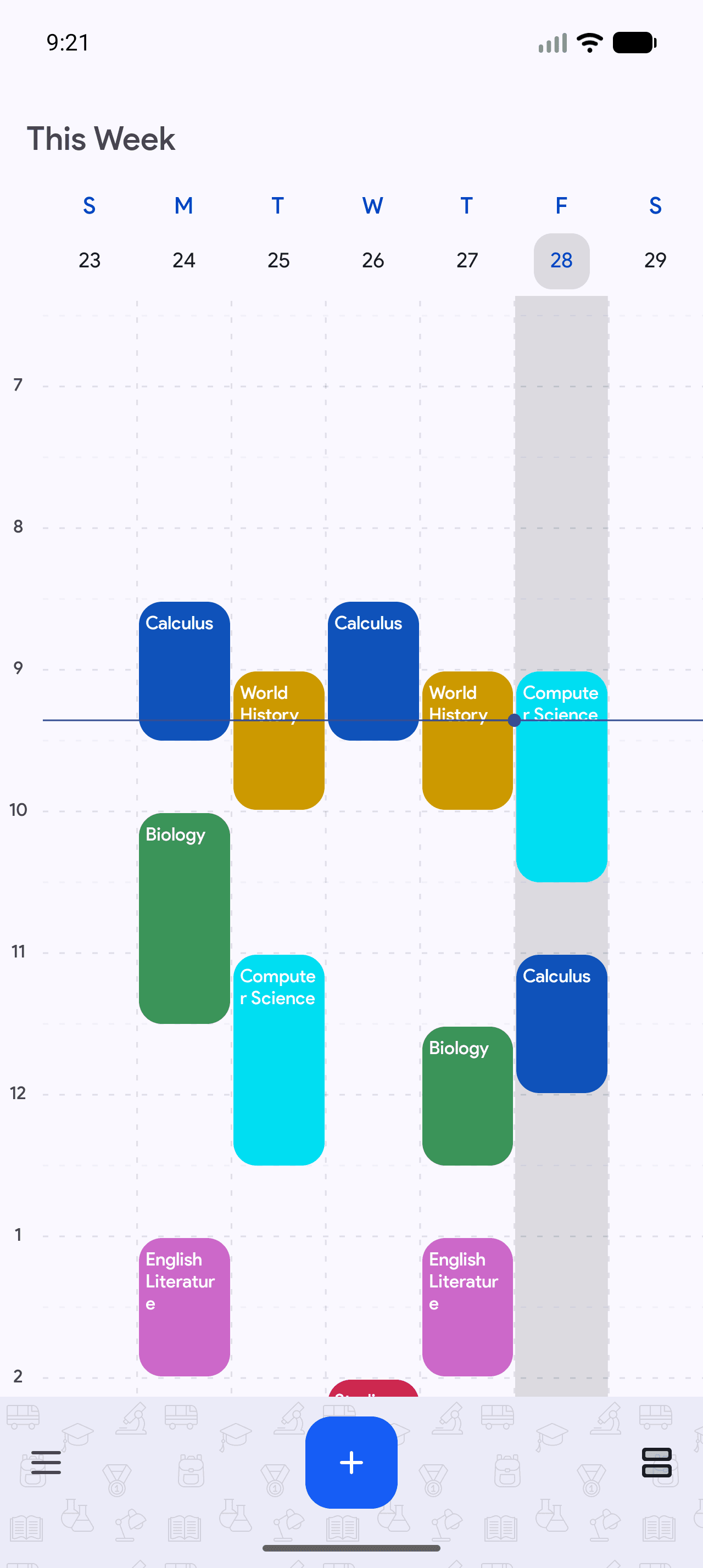
Due dates group the list, so the question "what's due Thursday" has a direct answer instead of requiring you to read everything. The day's homework also appears on your agenda beside that day's classes.
- Stage 4
It's late, or it's done
Overdue work stays visible rather than scrolling quietly out of view — the point of a homework planner is the piece you forgot, not the pieces you remembered. When it's finished you tick it off, and it moves out of the way without being deleted.
Exams sit beside it, not somewhere else
Revision competes with homework for the same evenings.
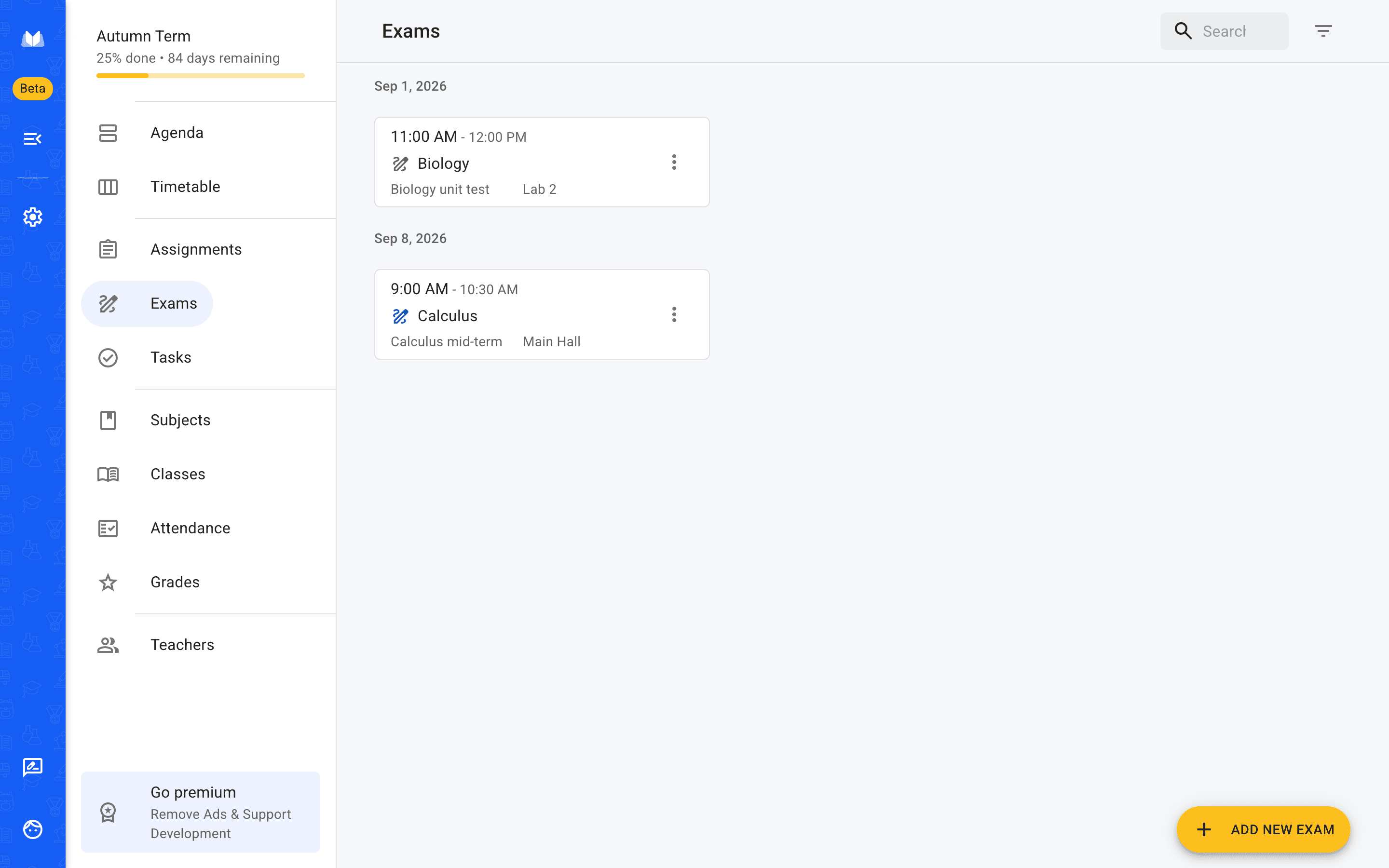
Exams are tracked with a date, a time and a room, in the same term as the homework — so when you look at a week you see both the essay due Wednesday and the test on Friday, which is the only way to judge what your week actually looks like. Smaller things that aren't homework at all — forms to return, books to take back — go in as tasks and can be flagged.
Exams
Revision competes with homework for the same evenings
Exams are tracked with a date, a time and a room, in the same term as the homework — so a week shows you both the essay due Wednesday and the test on Friday, which is the only way to judge what the week actually holds.
Written down in class, done at home
Homework gets set on a phone and finished on a laptop.
It is the same account on iPhone, Android and the browser, so the assignment you typed in during the last two minutes of a lesson is waiting when you sit down that evening. Nothing to copy across.
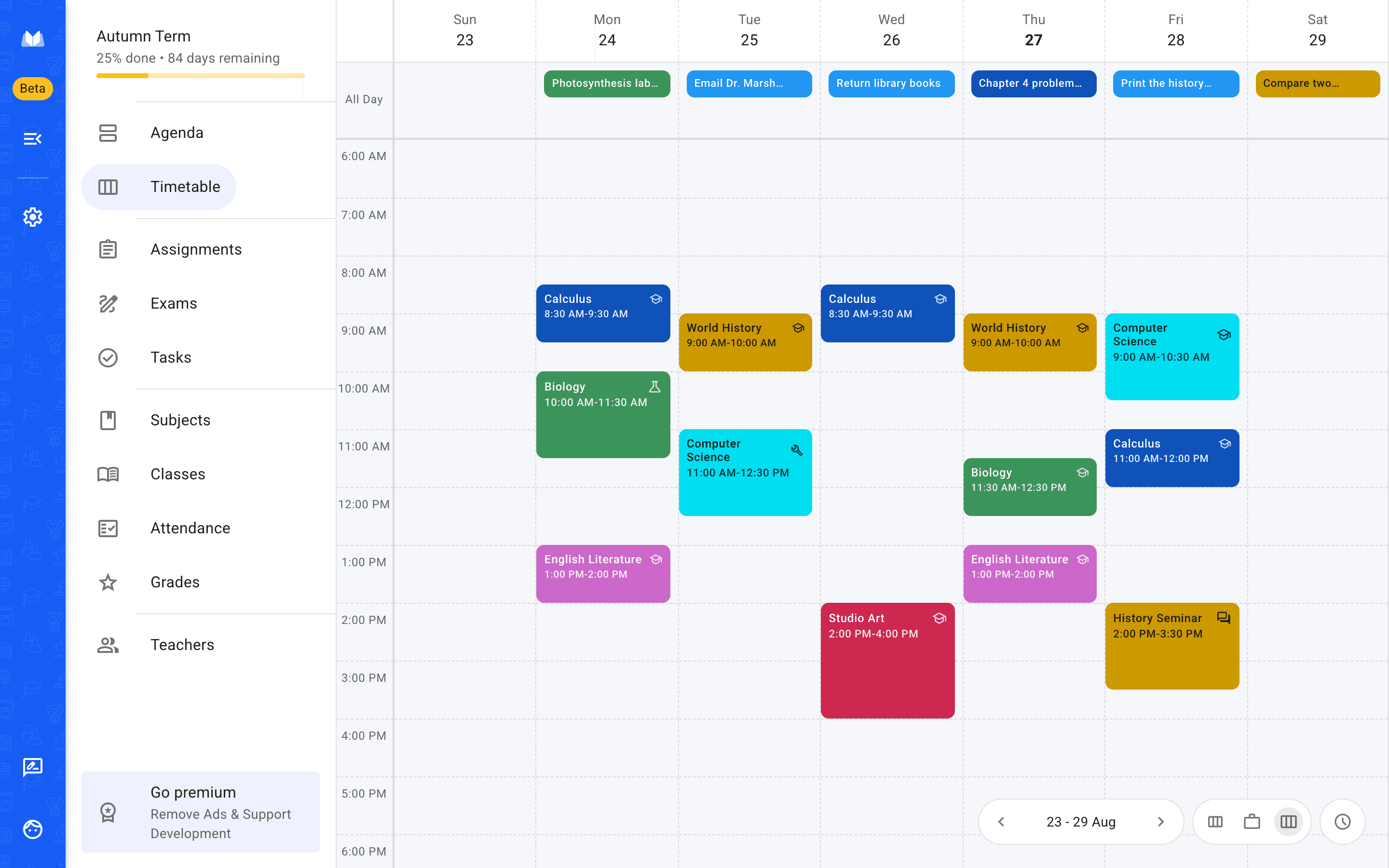
Web — any browser, nothing to install
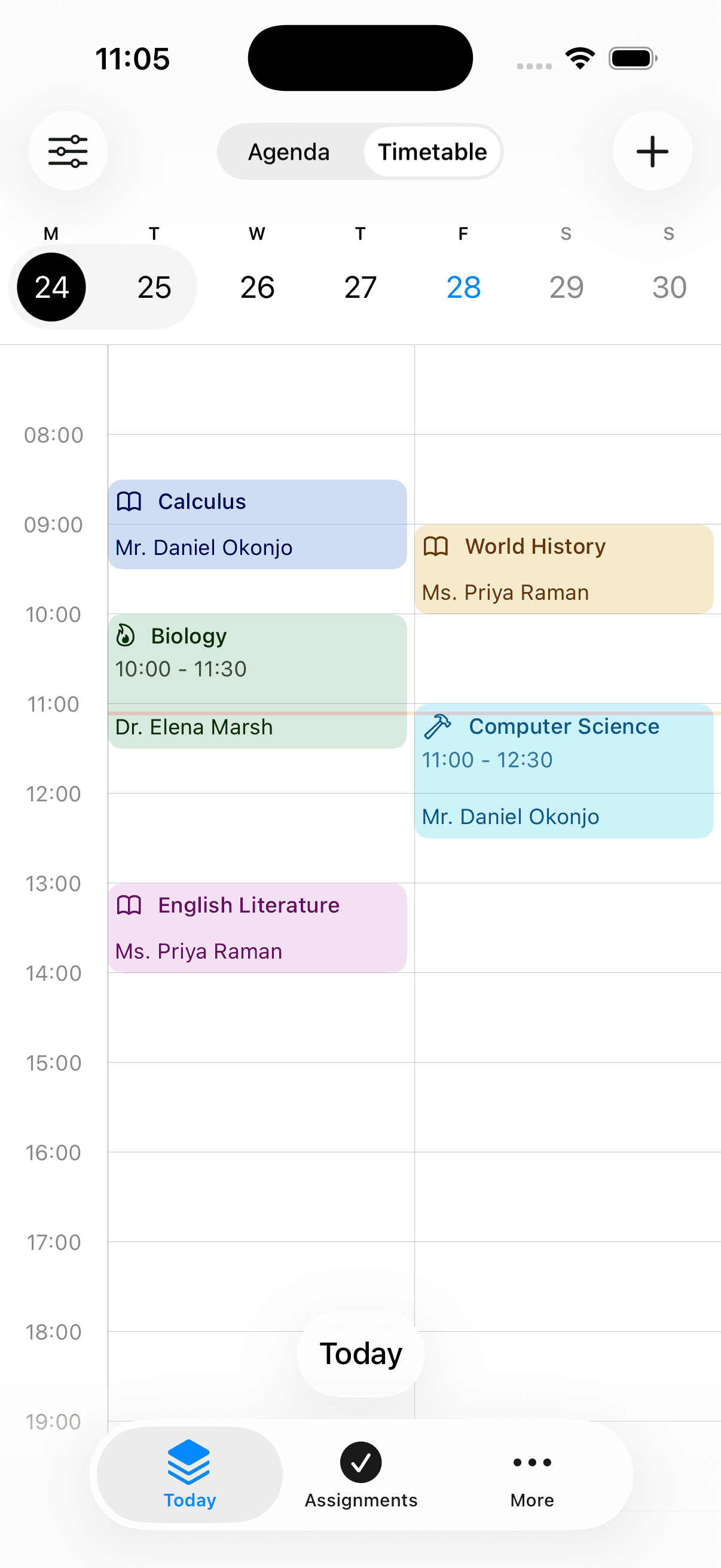
iPhone
Android
- installs on Google Play
- 500,000+
- from 2,370 Play reviews
- 4.3 ★
- languages
- 25
- on web, iPhone and Android
- Free to start
Frequently asked questions
What people ask about tracking homework.
Also worth reading
Put this week's homework in and see.
It takes a couple of minutes, and it's the fortnight-away deadline you'll be glad about.