Your school planner, open in a browser tab.
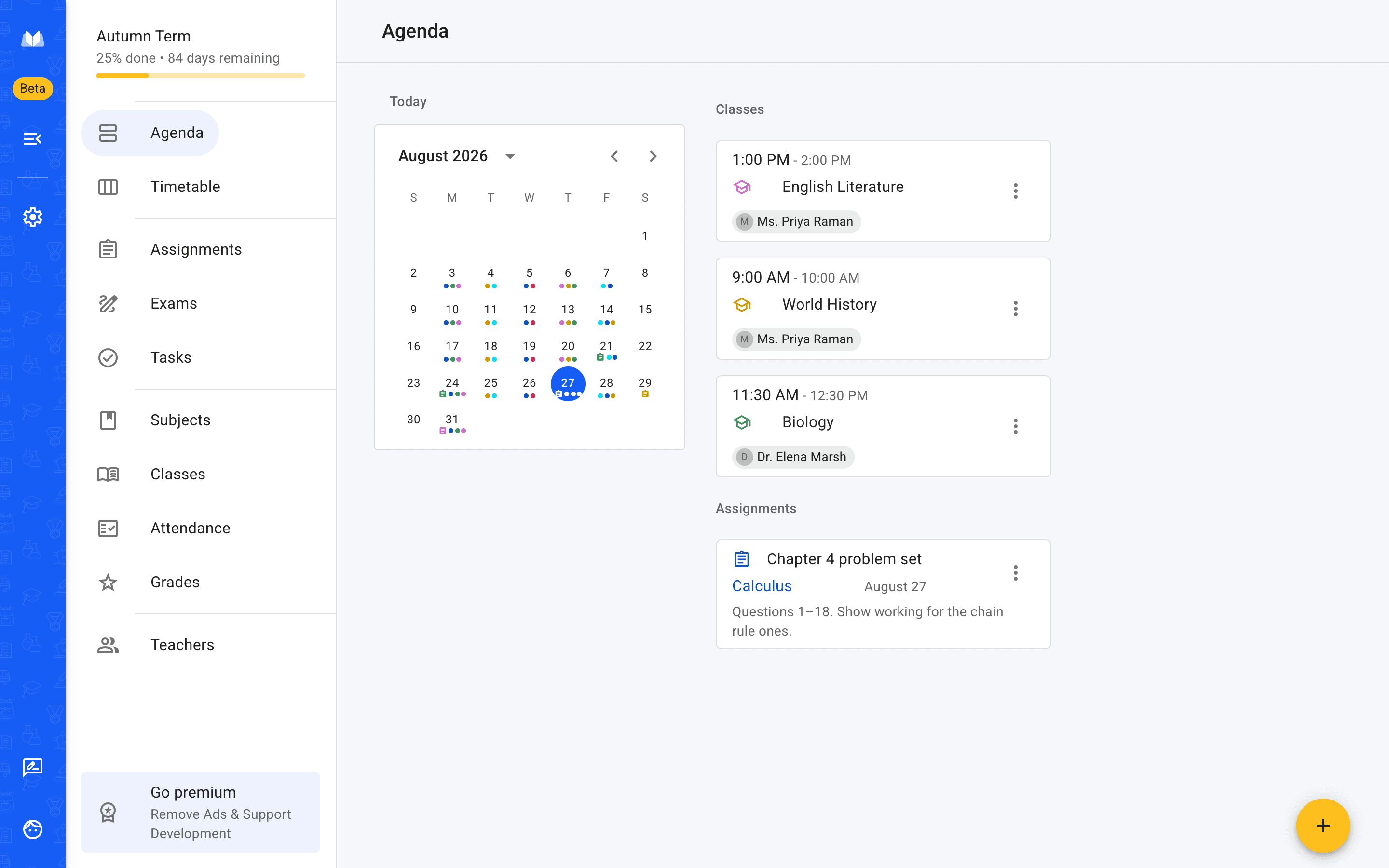
School Planner runs in the browser — the whole planner, not a preview of one. Open it on a school computer, a Chromebook or a laptop that isn't yours, sign in, and your timetable, homework and grades are already there.
Nothing to download. Nothing to keep updated. Free to start.
Nothing to install
The reason most people want a planner in the browser is that they can't install one.
It works on computers you don't control
School and library machines usually block software installs, and a managed laptop won't let you add anything. A browser tab doesn't need anyone's permission.
There's no version to keep current
You're on the current version the moment it ships. Nothing to patch, and nothing that quietly stops working because an update got skipped.
Your planner follows your account
Everything lives on your account rather than the machine. Sign in from a different computer and everything is exactly where you left it.
What you actually do in it
It's the same planner as the apps — not a read-only view of them.
Step one
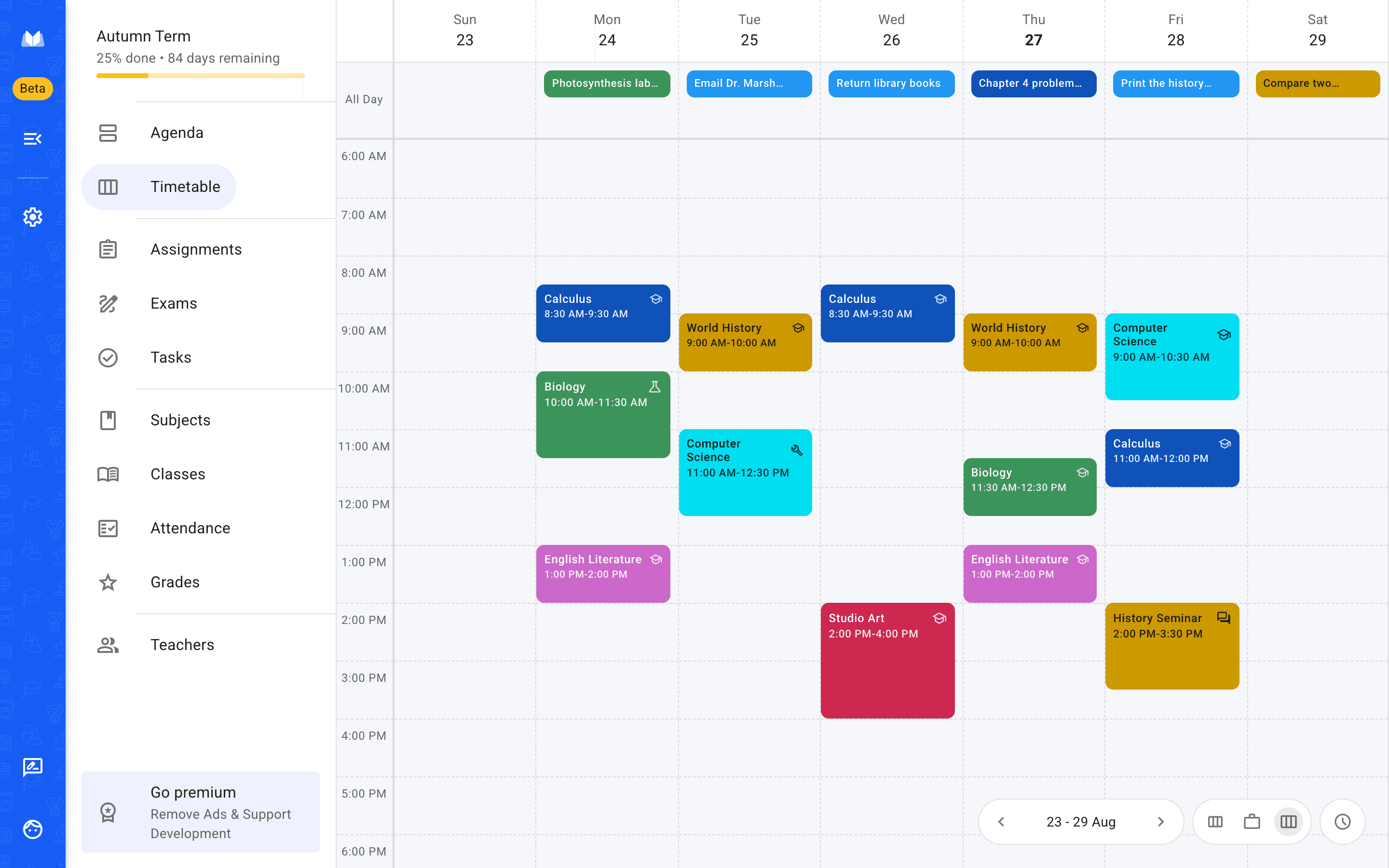
Build your timetable once
Add each class with its subject, teacher, room and time, then pick the days it runs. Classes can repeat every week or every second week on odd and even weeks, so a fortnightly timetable doesn't have to be typed in twice.
- One-off lessons get a single date
- A cancelled session is marked cancelled, not deleted
- Colours come from the subject, so the week reads at a glance
Step two
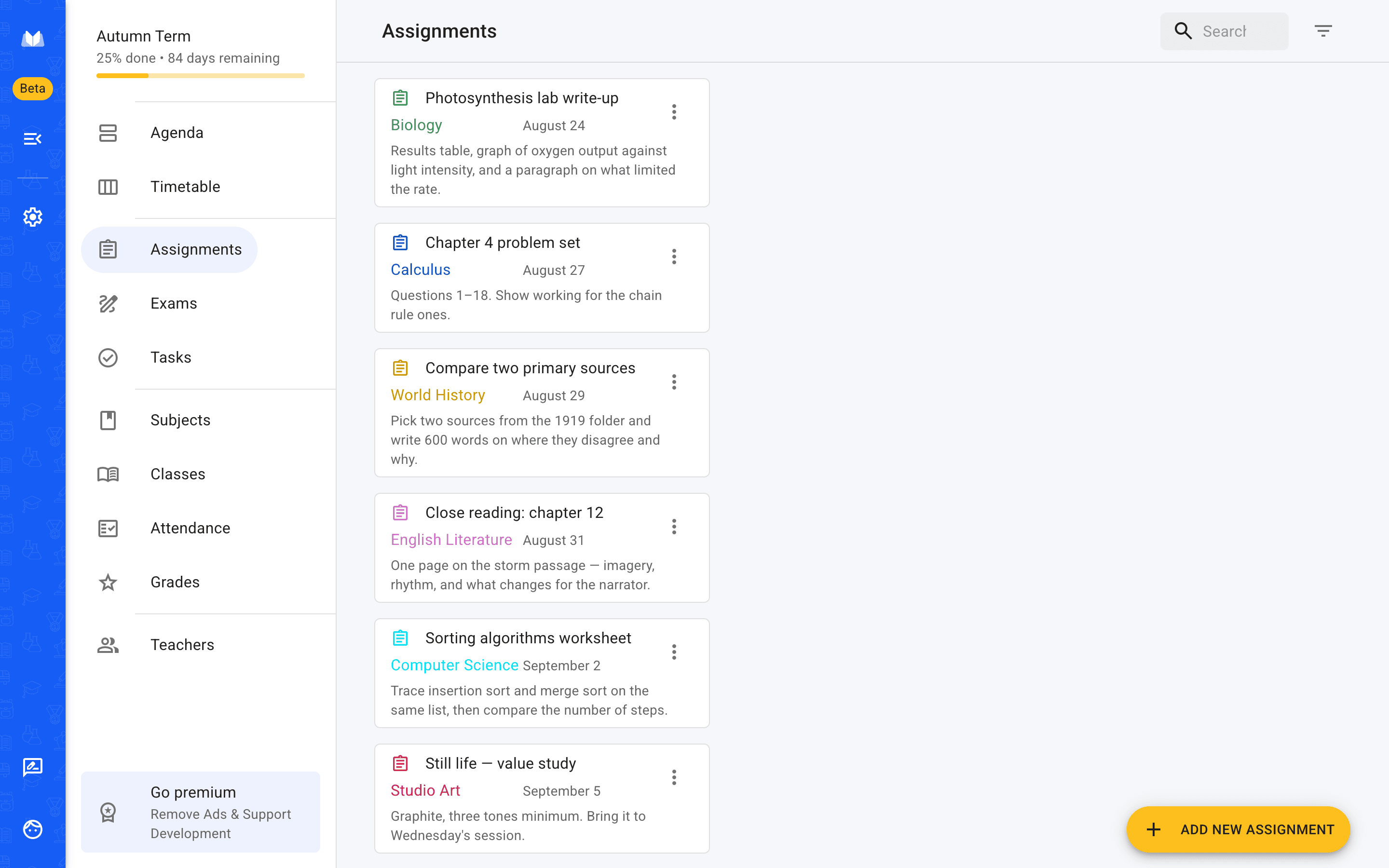
Add homework and exams as they're set
An assignment takes a subject, a due date and as much of the brief as you want to paste in. Star the ones that matter, tick them off as you finish, and set a reminder if the deadline is far enough away to forget.
- Work past its due date stays visible instead of disappearing
- Exams carry a date, a time and a room
- Everything belongs to a subject, so it groups itself
Step three
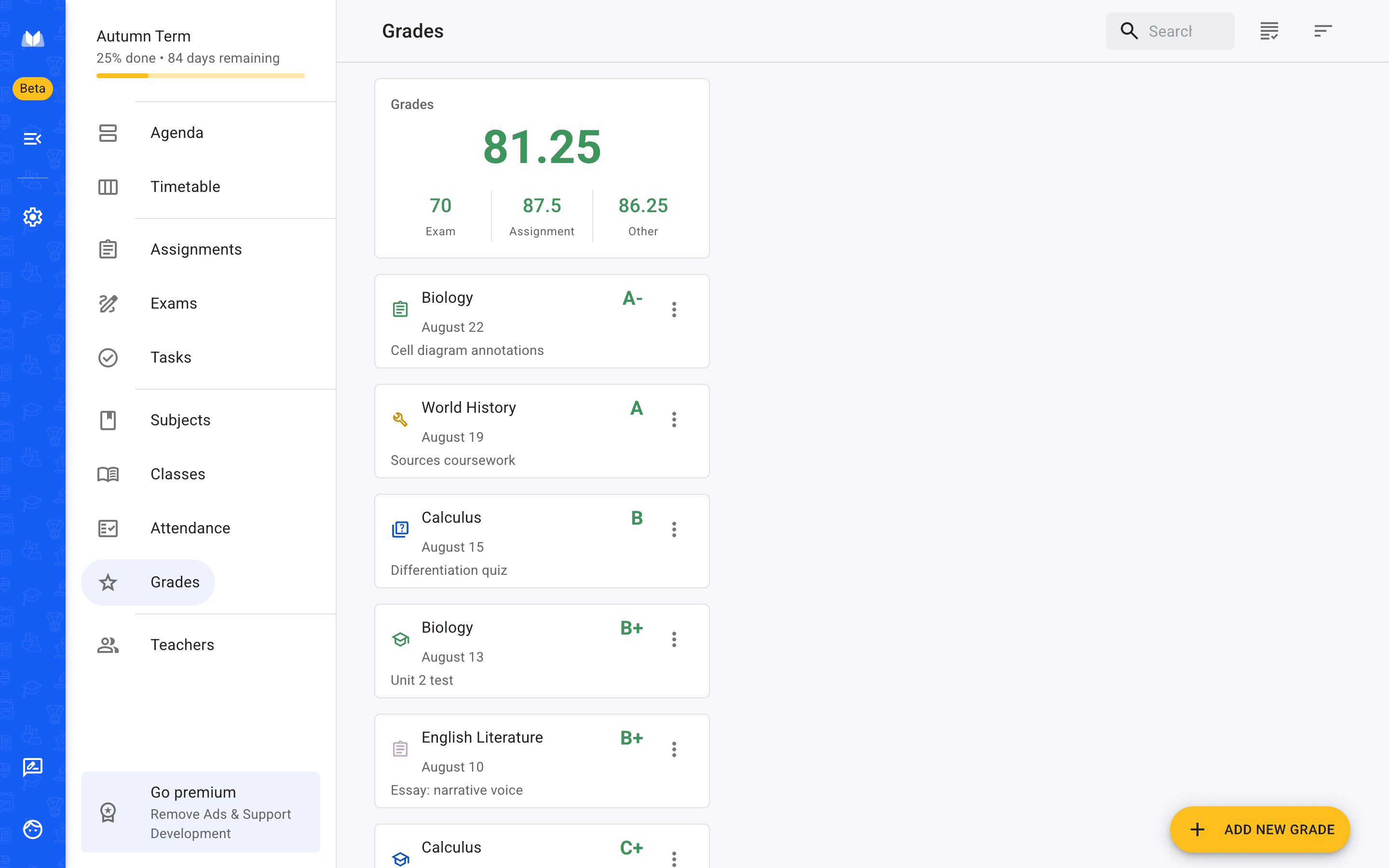
Keep grades and attendance in the same place
Record grades as you get them and see them per subject instead of hunting through an email thread at the end of term. Attendance can be tracked per day or per subject, with absences marked excused or not.
- Fifteen grading systems, including 0–100, 0–20 and 1–6
- Absence and late limits you can set per subject
- Grades attach to a subject and a type
One account, three places
The browser version isn't a separate product.
It is the same planner and the same account as the iPhone and Android apps. Add an assignment on your phone on the bus and it is there when you open a laptop in the library. Plenty of people use the browser at school and the app everywhere else, which is the point.
Web — any browser, nothing to install
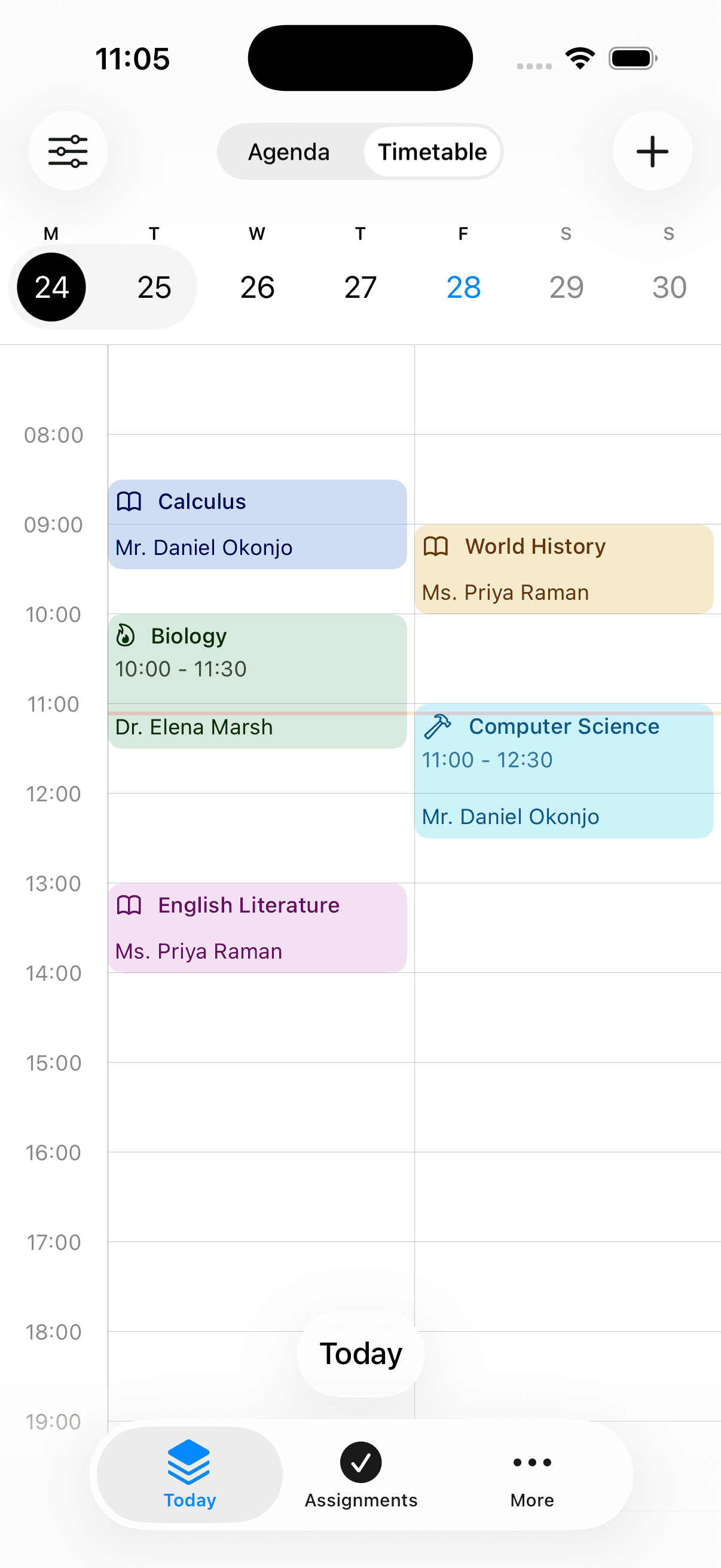
iPhone
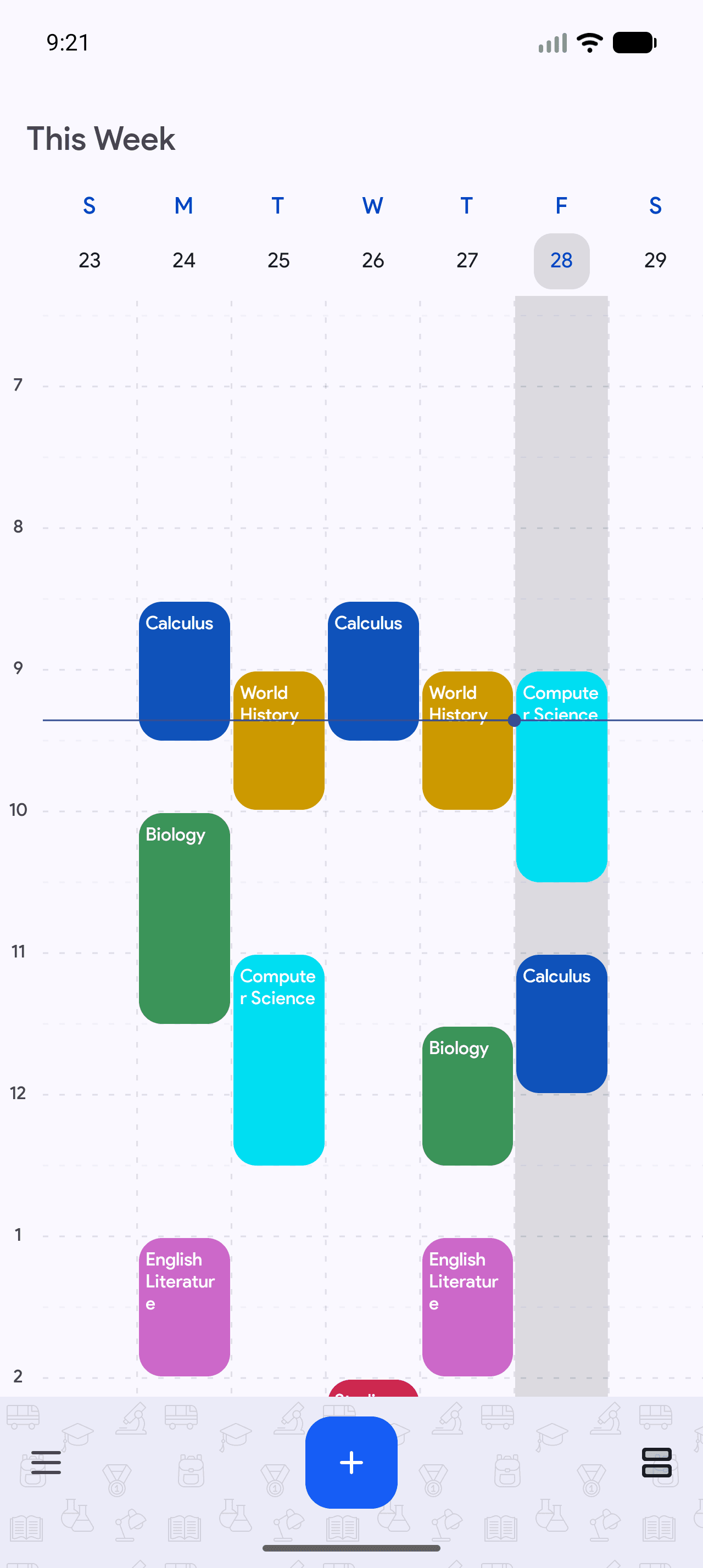
Android
- installs on Google Play
- 500,000+
- from 2,370 Play reviews
- 4.3 ★
- languages
- 25
- on web, iPhone and Android
- Free to start
Frequently asked questions
The questions people actually ask before they sign up.
Also worth reading
Open it in a tab and see.
It takes a minute to add your first class, and nothing to uninstall if you decide it isn't for you.